
IPTV subscription for families in Canada: safety, profiles, parental controls
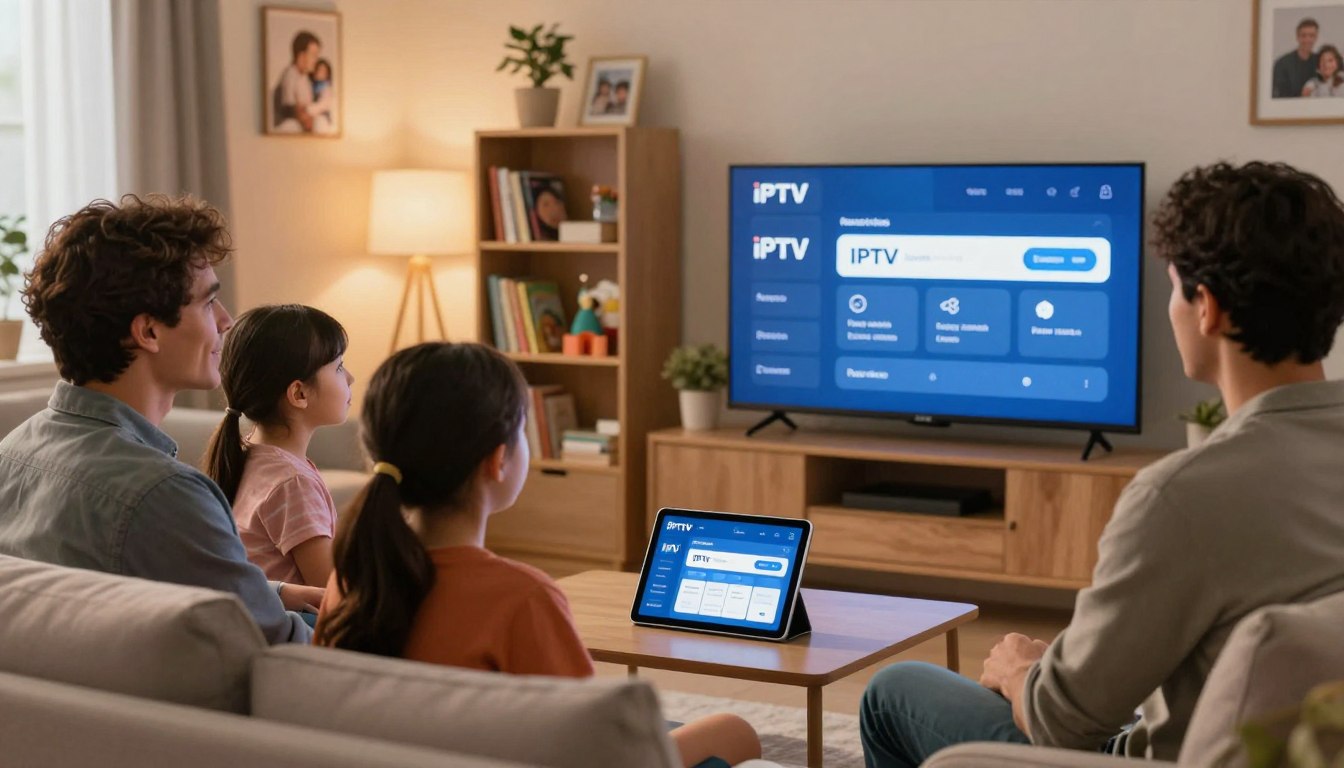
Curious how to pick a streaming option that keeps kids safe, adults happy, and the whole household online at once? This guide helps you make that call without jargon. If you’re choosing a TV setup that’s simple and reliable, you’re in the right place. You’ll learn criteria that matter: legal access, app privacy, and ease of daily use. This is a buyer’s guide, not a price list. It shows what to compare, what to test during trials, and which red flags mean walk away. Expect practical checks like speed tests (15–16 Mbps per HD stream) and device support across phones, tablets, and smart TVs. Family-friendly here means more than kids’ shows. It means separate viewing spaces, locked mature zones, easy profiles, EPG and catch-up features, and 24/7 support so buffering or a dropped game doesn’t ruin movie night. Note: this article is educational and not legal advice. Read on to learn what to look for before you pay, how to verify provider claims, and why choosing a legal option like GetMaxTV matters. Key Takeaways Focus on legal access, app privacy, and daily usability when comparing services. Test your connection with speedtest.net; aim for ~15–16 Mbps per HD stream. Look for profiles, EPG, catch-up, and reliable 24/7 support. Watch for red flags during trials—poor stability or unclear channel lists. This is an educational guide; consider legal options like GetMaxTV before you pay. Why this buyer’s guide is built for Canadian households What you want most is steady service that works across your home every day. That means the living-room TV, a tablet for kids, and a phone on the go all stay stable during shows, games, and video calls. What you want: safe, reliable streaming across your home Canada has special needs: bilingual channels, regional sports rights, and a mix of device brands in real homes. Those factors change which service fits your schedule and languages. Reliable streaming across devices looks like quick channel changes, consistent HD playback, and apps that remember profiles without crashing. What you should avoid: vague offers, inflated claims, and “free” streams Trustworthy providers show clear terms, real contact methods, and realistic channel lists you can test during a trial. Watch out for huge channel numbers without verification and blanket promises like “zero buffering” with no detail. Free streams often cost more later through lost time, poor privacy, or sudden shutdowns. A small trial that tests startup time, EPG accuracy, and support response tells you more than a flashy ad. Check What to expect Why it matters Quick test Legality signals Clear terms & licensing Stable channels and fewer takedowns Ask support about rights App safety Official store & updates Less malware risk across devices Install and watch for updates Support 24/7 chat or phone Faster fixes during prime time Open chat and ask startup questions Use this checklist as you compare the best iptv options. For a deeper look at legal, family-ready offers and real support tests, see family-friendly listings and a practical guide to choosing streaming services. Your goal is a service your household uses every day without constant troubleshooting. IPTV in Canada explained: how internet TV differs from cable and satellite Rather than running a coax cable or pointing a dish, your channels arrive over the same internet you use for browsing. That means live channels and on‑demand content are sent as data packets to your home network. Your app or device decodes the stream the same way other streaming services do. How it works technically: streams travel over IP and your smart tvs, streaming sticks, phones, tablets, and computers decode them. This is why devices with recent apps give the best playback. Compared with cable satellite setups, the biggest household wins are flexibility and easy multi-room viewing. You can switch screens fast and move a show from a living‑room TV to mobile devices without unplugging boxes. Tradeoffs to watch: your home network now shapes streaming quality. Slow Wi‑Fi or crowded devices can cause buffering, so Ethernet or a strong router matters. What this means for your home Start a show on a TV, finish it on a phone or tablet. VOD and catch‑up make weekends easier. Look for reliable EPG, stable performance, and clear device limits when you test services. Live channels, VOD library, EPG, and catch-up: the features that matter day-to-day Think of viewing as three daily modes you’ll actually use: live channels for sports and news, a VOD library for evenings, and catch-up when schedules collide. Live events vs on-demand nights With live channels you must verify regional channel availability, stability during peak games, and how quickly channels load and switch. Test channel change speed during a big match. VOD that feels like a real library Check whether the VOD library is organized by genre, has a clear family category, and offers subtitles and audio options. Confirm new titles are added regularly and that playback is smooth. Why EPG and catch-up matter EPG makes browsing faster and easier to supervise — grandparents can see what’s on now and next without guessing. Catch-up reduces stress by letting kids watch missed episodes and letting you replay a game. “A reliable EPG and working catch-up turn busy nights into simple choices.” Trial tests to run: match the EPG to live broadcasts, verify catch-up on key channels, and play several VOD items to check speed and quality. If these work, the service will fit real family routines. … Read more