
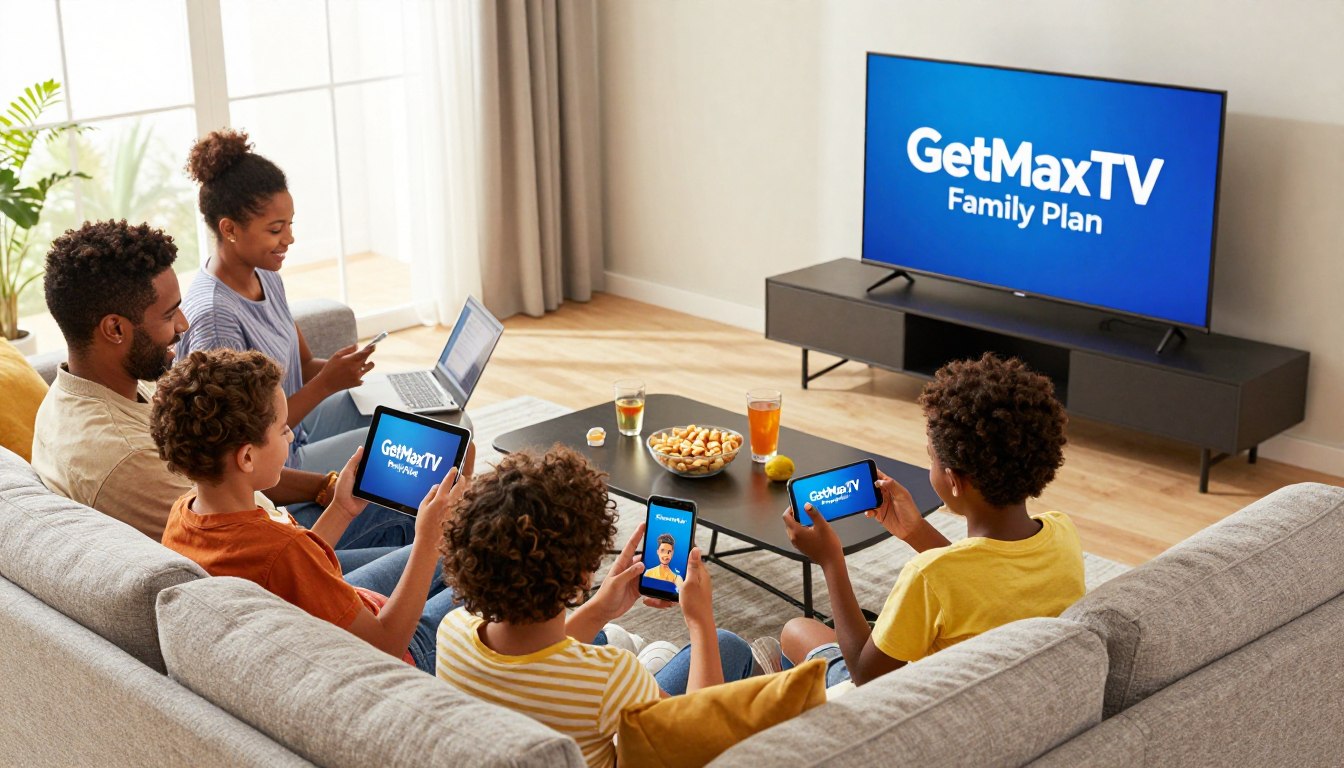
Could one shared account really replace your messy stack of apps and tangled remotes? You want a simple, reliable way to stream shows and sports on several screens without constant logins or fights over the TV.
In plain terms, IPTV is TV delivered over the internet. It gives you on-demand titles, live channels, and support for HD and 4K. This review looks at a household-focused subscription built so you can use one account across multiple devices with predictable performance.
You’ll see whether this subscription fits your budget and daily habits, not just a feature list. We’ll evaluate simultaneous streams, device compatibility, channel depth (including sports), VOD, stream quality, and support responsiveness.
Expect a balanced take: clear benefits, realistic limits, and who this service suits in 2025. For more context on trends and technical details, check this IPTV trends guide.
Key Takeaways
- You’ll learn if sharing one account works smoothly across your phones, TV, and tablets.
- We focus on real metrics: simultaneous streams, picture quality, and support speed.
- IPTV offers flexibility over traditional cable with cloud sync and resume-play features.
- Look for device compatibility and low-latency streams during prime hours.
- This review aims to tell you who should consider this subscription and who should not.
What you want from a family IPTV plan in the US
Most homes now need a service that lets several people watch different things at once. You want simple access across phones, tablets, smart TVs, and computers without constant logins or fights over the main screen.
How multi-device streaming fits real households
You need clear limits on simultaneous streams and easy device management so users can stream in parallel. A reliable service gives fast channel changes and predictable performance when everyone is home.
What “stable, legal, and reliable” should mean in 2025
Stable means fewer outages, minimal buffering spikes during prime time, and published guidance on recommended internet speeds.
Legal and reliable means transparent terms, safer payment practices, and providers who maintain service continuity and clear policies if they change offerings.
Support matters more for multi-user setups. When multiple people depend on a service, small issues become big household disruptions. Good customer support and regular maintenance reduce downtime.
- Real-life need: separate shows on separate screens without arguments.
- Baseline demands: consistent uptime, quick channel switching, steady quality.
- Measurable signs: outage frequency, buffering during peak hours, speed guidelines.
Quick checklist you’ll see in this review:
| Check | Why it matters | What to verify | Result you want |
|---|---|---|---|
| Devices + streams | Supports simultaneous viewing | Number of concurrent streams, device types | No conflicts, smooth multi-screen use |
| Channel coverage | Access to live TV and sports | Major networks, international channels | Wide entertainment options |
| VOD depth | On-demand choices for all users | Catalog size, recent releases | Replayable shows and movies |
| Support & quality | Fast fixes and steady streams | Response times, uptime stats | Reliable entertainment experience |
For practical installation tips on multi-TV setups, see this multi-TV setup guide. For industry trends shaping legal and technical expectations, read this IPTV trends piece.
Quick overview of GetMaxTV and the Family Plan
This section gives a short, practical look at the service and what you can expect the moment you sign up.
At a glance: the provider is a modern IPTV platform built around flexibility, adaptive bitrate/CDNs, and multi-device access (up to five simultaneous streams). It markets broad content access and household-friendly controls like an EPG and parental settings.
Who this is designed for
You should consider this if your household watches different shows at once. It suits homes that want sports, kids’ series, and movies on several screens.
What to expect on day one
After purchase you usually receive login credentials or a playlist and simple setup steps. First actions are signing in, testing your main TV, and checking the EPG.
- Check immediately: live channels browsing, search, and the VOD area.
- First-hour priorities: stream start time, channel switching speed, and device connectivity.
- Verify claims: the provider may promise high-quality streaming and access thousands of titles — confirm these during your trial nights.
IPTV basics: how it’s different from traditional cable
Think of IPTV as television that arrives through your home internet instead of a coax cable. You use an app or player to watch live channels and on-demand shows, rather than a single set-top box tied to one room.
Internet-delivered TV vs cable boxes and fixed schedules
Traditional cable bundles channels into fixed lineups and often needs rented hardware. IPTV sends each channel as a stream over broadband, so you skip the box and its monthly rental fees.
Flexibility benefits across IPTV platforms
Streaming via IPTV frees you to move from TV to phone or tablet without swapping equipment. Good iptv services let multiple users watch different items at once and resume shows where they left off.
Why IPTV is often more cost-effective than traditional cable
Cable bills can include hidden fees, regional sports blackouts, and add-on equipment costs. IPTV packages work differently and can lower your spend if you pick services that match what you actually watch.
For a detailed comparison of IPTV vs traditional TV, see this IPTV vs traditional TV. The real test for households is how a shared account performs during peak hours—simultaneous streams, stable bandwidth, and device compatibility define the true viewing experience.
getmaxtv family plan: how sharing across multiple devices works
Using one subscription across phones, TVs, tablets, and computers works well—if you understand how sharing actually functions.
Simultaneous streams and household-friendly access
Sharing means two things: how many devices can store the app, and how many streams run at once. Providers often allow installation on many devices but cap concurrent streams.
| What to check | Typical limit | What happens if exceeded |
|---|---|---|
| Concurrent streams | Up to 5 | New streams are blocked or older sessions end |
| Device installs | Multiple devices supported | You can sign in from many devices but not stream all at once |
| Adaptive streaming | Enabled | Quality adjusts to prevent buffering |
Managing viewing across smart TVs, phones, tablets, and computers
Label devices on your router or in the app to find which user is streaming. Use the same player app on every device to reduce compatibility issues.
Tip: Prioritize your main TV on Ethernet for the best viewing experience during big games.
Tips to avoid interruptions when multiple users are watching
- Keep logins secure and limit shared passwords to trusted users.
- Avoid large downloads during prime-time streams to keep quality steady.
- If buffering occurs, reboot the router and test one device at a time to isolate problems.
Expectation: plan your heavy-use times and use profiles or watchlists when available to reduce “stream wars” and keep a buffer-free experience for everyone.
Channel lineup and content depth: live channels, sports, and international content
A long list of channels looks impressive until you can’t find what you want fast. When a provider advertises thousands live channels, you should check how those channels are grouped and searchable.
What “thousands channels” should mean to you: usable categories like news, kids, entertainment, sports, locals, and regional language clusters. A big catalog is only useful when the EPG or search helps you reach content quickly.
How to evaluate the lineup fast: ask for a published channel list, look for your must-have channels, and confirm that categories are clear in the guide. Verify sports feeds for regular-season games and major events, and test stability during peak times.
For international households, confirm language packs and regional clusters so multilingual viewing works without extra work. Finally, use a trial window or the first 24–48 hours after activation to confirm live sports and international content before you commit.
| Check | Why it matters | How to verify |
|---|---|---|
| Channel variety | Ensures shows for every viewer | Request a channel list by category |
| Live sports coverage | Covers games and high-traffic events | Test key games during trial for stability |
| International content | Supports multilingual households | Confirm language packs and regional clusters |
| EPG & search | Navigability of thousands live channels | Try search, filters, and guide organization |
On-demand movies and series: what the VOD experience feels like
Skip the broadcast timetable — VOD hands control of movies and series back to you. In an IPTV setup, on-demand movies mean a built-in library of titles you play whenever you want. This sits apart from the live guide and gives you flexible viewing options.
Watching on your schedule without broadcast limits
You use VOD when schedules don’t match your day. Kids replay favorite episodes after school. You catch up on movies late at night. No one has to plan around a broadcast schedule.
How on-demand complements live channels for households
Good VOD has clear categories, reliable playback, subtitles and audio choices, and a fast resume feature. It supports live viewing: you can enjoy live sports or news and rely on VOD for everything else.
- What VOD is: on-demand library separate from live channels.
- How families use it: rewatching, catch-up, and flexible entertainment.
- What to test: search a few favorite shows, check load time, and verify playback on at least two devices.
Streaming quality and performance: HD, 4K, and buffering expectations
Streaming quality decides whether a tight game or a fast movie will feel immersive or frustrating. Providers often list HD and 4K as features, but you must match that promise with a strong home setup.
High-quality streaming for sports, movies, and fast action
Sports and fast-action movies stress the system. Motion blur and frame drops show problems faster than slower content. Test during a live game to see real-world quality.
Adaptive streaming concepts and why they matter
Adaptive bitrate lets a stream step down to avoid pauses. That keeps playback running but can lower picture sharpness briefly. This is normal and part of a stable streaming experience.
What impacts buffer-free viewing at home
- Router quality and firmware.
- Wi‑Fi interference and distance from the access point.
- How many devices are active on your network.
- Your broadband speed vs. the provider’s CDN load during peak times.
How to judge picture quality during peak hours
Flip channels during a major event, note resolution drops, and watch for rebuffering. For quick fixes, switch key devices to Ethernet, enable QoS on your router, and reboot hardware occasionally.
For step-by-step setup tips that help maintain high-quality iptv playback, see this installation guide.
Device compatibility: smart TVs, Firestick, mobile, and more
Compatibility really means matching the IPTV player to your exact TV model and phone OS, not a generic promise. Before you buy, confirm the app or player works on the devices you use every day.
Smart TVs and living-room setups
Smart TVs vary by maker and OS. Check whether the provider supports the native app for your TV or if you need a streaming stick like Fire TV.
Tip: Use Ethernet for the main TV when possible. Wired connections reduce buffering during peak-time streaming.
Mobile viewing on iOS and Android
Make sure iOS and Android apps exist and match your OS versions. Mobile support matters if you watch on commutes or in other rooms.
Tablets, computers, and cross-platform convenience
Tablets and laptops offer flexibility. Cross-platform access means you can switch from a living-room TV to a tablet without extra setup.
Before you buy—quick checklist:
- Confirm supported apps for each device model.
- Check max concurrent streams and sign-in limits.
- Verify OS versions and whether sideloading is needed.
| Item | What to verify | Why it matters |
|---|---|---|
| Smart TV app | Native app or supported player | Ease of setup and stable streaming |
| Streaming stick | Fire TV / Roku support | Works around incompatible TV software |
| Mobile & tablet | iOS/Android app availability | Watch on the go and avoid re-logins |
| PC & web | Browser or app support | Useful for secondary screens and workspaces |
Example: One account can power a living-room TV on Ethernet, a tablet in the kitchen, and a phone during errands—if the apps and stream limits match your needs.
Setup and installation: what you’ll actually do to start watching
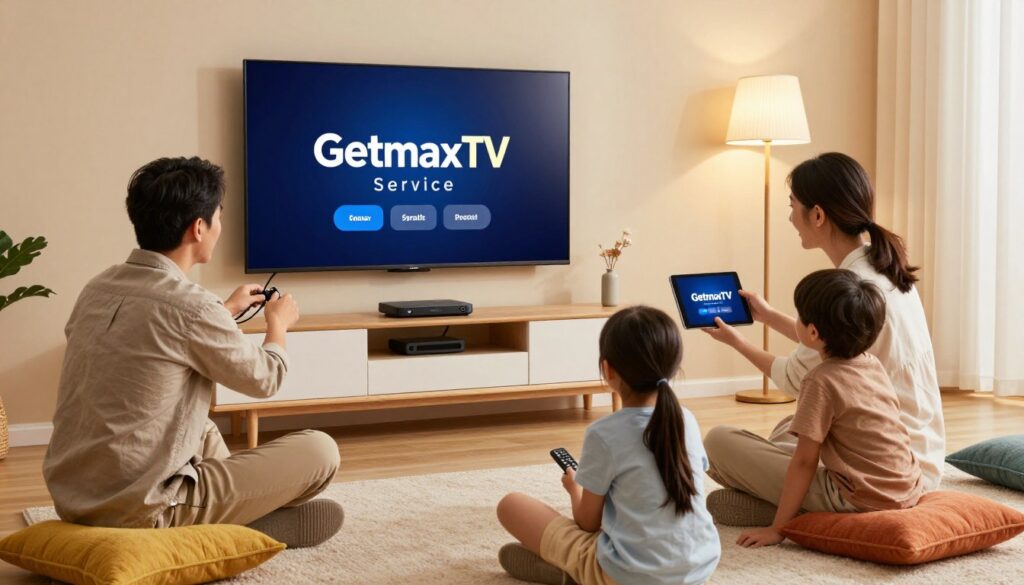
You can be watching in under 20 minutes if you have the right device and credentials on hand.
What you need before you begin
Basic checklist: a stable internet connection, a supported device, the app or IPTV player, and your subscription credentials or playlist details.
Typical install flow and common snags
Install the app or player, enter your login or paste the playlist, load the EPG, then test live channels and a VOD title.
Where people get stuck: wrong login format, EPG not loading, channels not populating, or app permissions on streaming devices.
How good support should guide you
“Fast replies, step-by-step screenshots, and device-specific instructions turn a shaky start into a smooth experience.”
Quality customer support from the provider gives clear, device-tailored instructions and quick fixes when the EPG or playback fails.
| Step | Action | Why it matters |
|---|---|---|
| Pre-check | Confirm internet speed & device model | Prevents buffering and compatibility issues |
| Install | Download app or load playlist | Links your subscription to the player |
| Test | Open a sports channel and a VOD movie | Verifies streaming quality and EPG accuracy |
For your first night, test at least two devices, a live sports feed, and one VOD item. The onboarding experience is a real part of value—if setup is painful, this service may not be the right choice for your users.
User interface and everyday usability
A clean, responsive UI turns a crowded channel list into a usable entertainment hub.
Your viewing experience starts the moment the guide opens. If menus lag or search is slow, people stop exploring channels and content. That kills value, even when the service has lots of feeds.
Navigation speed, channel switching, and guide expectations
Look for quick-loading categories, a responsive search box, and an EPG that shows real-time program info. Channel switching speed is a quality signal—fast flips matter for live channels, sports, and news.
Personalization basics like watchlists and reminders
Personal features save time. Favorites, watchlists, and reminders let each person curate content. A clear “continue watching” area improves the entertainment experience across devices.
- Why UI matters: slow guides reduce usage.
- What to check: search responsiveness and accurate EPG.
- Personalization: watchlists, favorites, and reminders.
- Accessibility: readable fonts and consistent layouts.
| Feature | Why it matters | What to expect |
|---|---|---|
| EPG accuracy | Find live channels quickly | Current program titles and start times |
| Channel switching | Affects live viewing quality | Sub-2 second channel flips on good networks |
| Watchlists & reminders | Personalizes daily experience | One-click add and timed alerts |
Good UX saves time and frustration. Test the interface during peak hours and try using the service for a week. For tips on using one account across devices, see using one subscription on multiple devices.
Customer support and service reliability
When multiple people rely on a single subscription, fast help can stop a small glitch from becoming a household outage.
Why quick help matters for busy homes
Customer support is often the make-or-break factor for multi-screen households. If children, partners, or roommates all stream at once, an outage affects everyone.
Good support keeps your evenings on schedule by resolving issues fast and reducing stress.
Signs of effective troubleshooting
Look for live chat hours, clear response times, and staff who can handle device-specific problems. A strong provider gives step-by-step fixes and follows up if issues persist.
- Ask about realistic response windows and escalation paths.
- Confirm the provider runs regular updates to improve uptime and EPG accuracy.
Troubleshooting checklist a solid provider should walk you through
- Confirm app and firmware versions.
- Reboot the device and router; check DNS and Wi‑Fi signal.
- Verify account stream limits and test a single device.
Buyer tip: try a pre-sales question and judge clarity and speed before a big event. Even reliable services hit bumps; what matters is fast, transparent support that restores your viewing experience.
For more on premium options and support features, see this premium IPTV service.
Legality and safety: choosing a compliant IPTV service

Choosing a compliant iptv provider starts with spotting clear business details and secure payment flows.
Why “free” or unverified IPTV can be risky
Free or shady services often cut corners. They can stop without notice, offer poor streams, or push unsafe apps and links.
Practical risk: malware, phishing attempts, and sudden shutdowns that leave you without a subscription.
What “verified legal frameworks” typically imply
Compliant providers show a clear company presence, published terms, and secure checkout with SSL. That usually means they license content or work with rightsholders.
Look for stable contact channels and transparent refund policies before you buy a subscription.
Privacy basics: protecting your account and household devices
Use unique passwords and a password manager. Limit credential sharing to trusted users and enable device-level updates.
- Install apps only from reputable stores.
- Avoid random playlists from forums.
- Keep your streaming device OS current and enable basic firewall or router protections.
“A safe choice balances clear business signals, secure checkout, and straightforward support—so your viewing stays private and steady.”
Pricing and value: how it compares with cable and stacking streaming apps
Before you commit, it helps to see what the monthly cost actually buys.
What you’re paying for with a premium IPTV subscription
A premium subscription bundles several benefits into one monthly fee. Expect broad live channel access, sports feeds, on‑demand libraries, and support for multiple simultaneous streams.
Extras often include electronic program guides, basic parental controls, and customer support to help with device setup.
Why combining services can cost more than you expect
Typical premium IPTV pricing sits around $12–$18/month. That compares with traditional cable bills that commonly run $60–$100/month with equipment and regional fees added.
Stacking several streaming apps (sports, movie, and niche channels) can quickly exceed cable costs, especially when each service charges separately. Look past the headline price: price per screen and total monthly spending matter most for multi‑viewer homes.
Where to check the current offer and plan options
Do a quick cost audit: list your current cable bill plus any streaming subscriptions, then compare that total to a single subscription that covers live TV, VOD, and sports.
“A single, well‑chosen subscription can be far more cost‑effective than cable or a stack of standalone apps.”
| Item | Typical monthly cost | What you get |
|---|---|---|
| Premium IPTV | $12–$18 | Live channels, sports, VOD, multi-device streams |
| Traditional cable | $60–$100 | Bundled channels, rented hardware, regional fees |
| Multiple streaming apps | $30–$120 | Mix of niche services; costs add per subscription |
Smart buyer note: favor transparent billing, clear tiers, and an easy way to change options as your needs shift. Review the latest pricing and options directly on GetMaxTV’s official offer page at https://getmaxtv.com before you buy iptv.
Best-fit scenarios: who should buy this plan (and who shouldn’t)
Deciding whether this subscription fits your household starts with honestly counting simultaneous viewers. That simple step tells you if multi-device access is worth the cost.
Great match for sports-first households
If you live for games, this option shines. You get wide sports coverage and reliable streams for big events. Multiple users can watch different matches without constant logins.
Great match for international and multi-language viewing
For multilingual homes, international content becomes practical. This service groups regional channels and keeps content available across rooms and devices.
When a single-device plan might be enough
Stick with a single-device option if you mostly watch on one TV and rarely stream at the same time. It saves money and avoids features you won’t use.
Decision shortcut: the more simultaneous viewers during peak hours, the more a multi-device option pays off. Base your choice on what you actually watch—sports, movies, or news—and how many people stream at once.
| Scenario | Why it fits | Best outcome |
|---|---|---|
| Sports-first | Need stable streams for events | No missed plays, multiple screens |
| Multilingual | Require international content everywhere | Easy access on all devices |
| Single viewer | One screen, low concurrency | Save on monthly cost |
Pros and cons of the GetMaxTV Family Plan
A clear look at strengths and drawbacks makes it easier to judge whether this service meets your multi-device needs.
Biggest strengths for multi-device households
One subscription that covers multiple devices simplifies streaming across TVs, phones, and tablets. You avoid juggling accounts and can often watch different channels at once.
Broad channel categories and varied content mean you’ll find sports, news, and international feeds in one place. HD and 4K options improve the viewing experience when your connection is strong.
Usability and support stand out: a useful EPG, parental controls, and 24/7 chat make setup and daily use easier. Responsive customer support reduces downtime when issues appear.
Potential limitations to consider before subscribing
Your home network matters. Peak-hour quality depends on your broadband and Wi‑Fi. If your router or ISP is weak, you’ll see more buffering despite provider-level optimizations.
Stream limits and device rules can restrict simultaneous viewing. Check the allowed concurrent streams and test on the devices you use most.
Quick tip: verify performance during a key event and on your primary devices before you commit long term.
Conclusion
Before you click buy, focus on what matters most: steady streams and simple cross-device access. Choose an iptv service that delivers predictable performance, easy setup on smart TVs and phones, and clear customer support when you need it.
In plain terms: the value comes from simultaneous streaming, a balanced mix of sports, movies, and live channels, and an on‑demand library that keeps everyone satisfied.
Verify quality in the real world. Test during peak hours, try key games, and confirm playback on your main devices. Also check safety—pick providers with clear business info, secure payments, and fast support.
If you want a legal IPTV subscription, check current offers and options at https://getmaxtv.com. For help accessing local channels, see this guide on local channels via IPTV.
FAQ
What devices can I use with the GetMaxTV Family Plan to stream live channels and on-demand movies?
You can stream on smart TVs, Fire TV Stick, Android TV boxes, iOS and Android phones, tablets, and computers. The service supports multiple devices simultaneously so each household member can watch different channels or on-demand content at the same time.
How many simultaneous streams does the family subscription allow for live sports and other channels?
The plan offers multiple simultaneous streams tailored for households, allowing several people to watch live sports, movies, or different channels at once. Exact stream counts vary by subscription tier, so check your chosen package to confirm limits.
Is streaming quality good enough for live sports and 4K movies?
Yes. The service delivers high-quality streaming with HD and 4K options where available. Adaptive streaming helps maintain smooth playback during fast action, though your home internet speed and Wi‑Fi setup will affect buffering and peak-hour performance.
How is IPTV different from traditional cable boxes and schedules?
IPTV delivers TV over the internet, so you ditch fixed-channel lineups and bulky cable boxes. You get on-demand movies, thousands of live channels, and flexible start-over or replay features that fit modern viewing habits better than scheduled broadcasts.
Can I watch international channels and multilingual content?
Yes. The service includes extensive international content and multilingual channels, making it a strong option for multilingual households or viewers who follow sports and entertainment from other countries.
What should I prepare before starting the installation process?
Have a stable broadband connection, your smart TV or streaming device ready, and the subscription details or activation code. Make sure your router supports the required speeds for HD or 4K streaming and that you can connect devices to the home network.
How easy is the setup and where do people usually get stuck?
Setup is typically straightforward: install the app on your device, sign in with your account, and follow on-screen activation steps. Common sticking points include Wi‑Fi passwords, router settings, and app permissions—customer support can walk you through these.
What kind of customer support should I expect for troubleshooting?
You should expect responsive support through chat, email, or phone to resolve account activation, streaming issues, or device compatibility questions. Good providers offer helpful guides, troubleshooting tips, and quick escalation for outages.
Is the service legal and safe to use?
Choose verified, compliant providers that operate within legal frameworks. Licensed services protect content rights and reduce the risk of takedowns. Always protect your account with strong passwords and enable any available security features to keep your household devices safe.
How does this IPTV option compare cost-wise to cable and multiple streaming apps?
Premium IPTV often delivers comparable channel depth and sports coverage at a lower or similar price than traditional cable. When you factor in the cost of several streaming subscriptions, a single comprehensive IPTV subscription can offer better value for households.
Can I access thousands of live channels and still have a good on-demand library?
Yes. The service combines thousands of live channels with an extensive VOD catalog of movies and series. On-demand content complements live programming so everyone in your household can watch what they want, when they want.
Will multiple viewers cause interruptions or buffering issues?
Multiple simultaneous streams will increase bandwidth demand. To avoid interruptions, ensure your internet plan provides adequate upload and download speeds, use wired connections for key devices when possible, and optimize your Wi‑Fi with modern routers or mesh systems.
What personalization features are available for everyday use?
Expect features like watchlists, favorites, reminders for live events, and user profiles. These tools make navigation easy, speed up channel switching, and help you keep track of sports events or favorite series without missing them.
Who is this subscription best suited for and who might not need it?
It’s ideal for sports-first households, international viewers, and families that need multiple concurrent streams. If you only watch on a single device or rarely watch live channels, a simpler single-device or niche streaming service might suffice.
How can I check current offers, subscription options, and upgrades?
Visit the provider’s official website or authorized resellers for up-to-date pricing and plan comparisons. Look for tiers that include extra streams, higher-resolution support, or expanded channel packages to match your household needs.
The GetMaxTV Blog Team is a group of IPTV technology writers and cord-cutting researchers who have been reviewing streaming services since 2023. We publish independent device setup guides, troubleshooting articles, and honest service comparisons. Every tutorial on this blog is tested on real devices — Fire Stick 4K Max, Roku Ultra, Samsung Smart TV, Apple TV 4K, and Android phones. We verify every step before publishing and update our content quarterly.